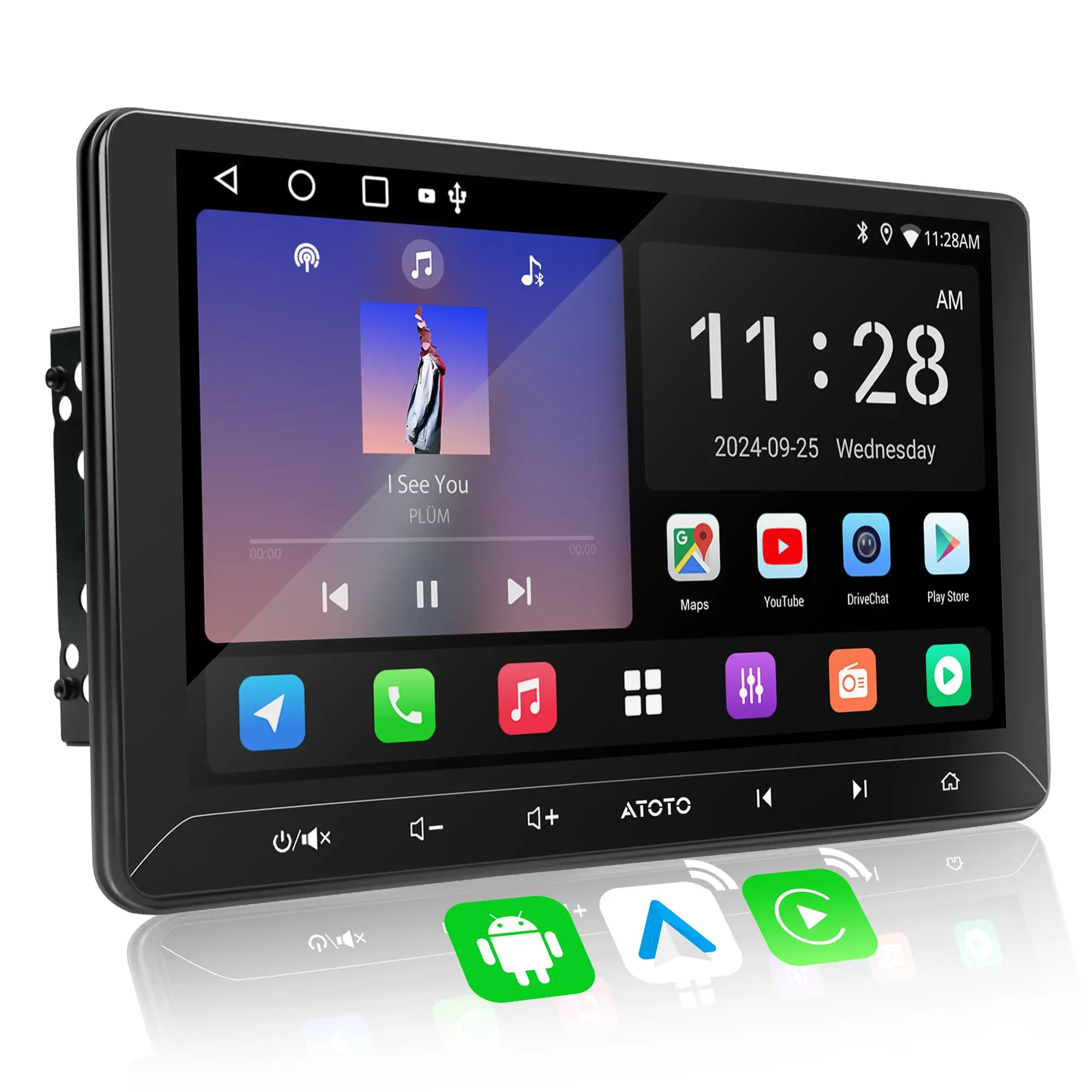
ATOTO A5LG211T 10.1" Android Double Din Car Stereo, Touchscreen, Wireless CarPlay & Android Auto, Wi-Fi/BT/USB Tethering, 24-Band EQ DSP, Bluetooth, MirrorLink, FM/AM/TF, 2G+32G


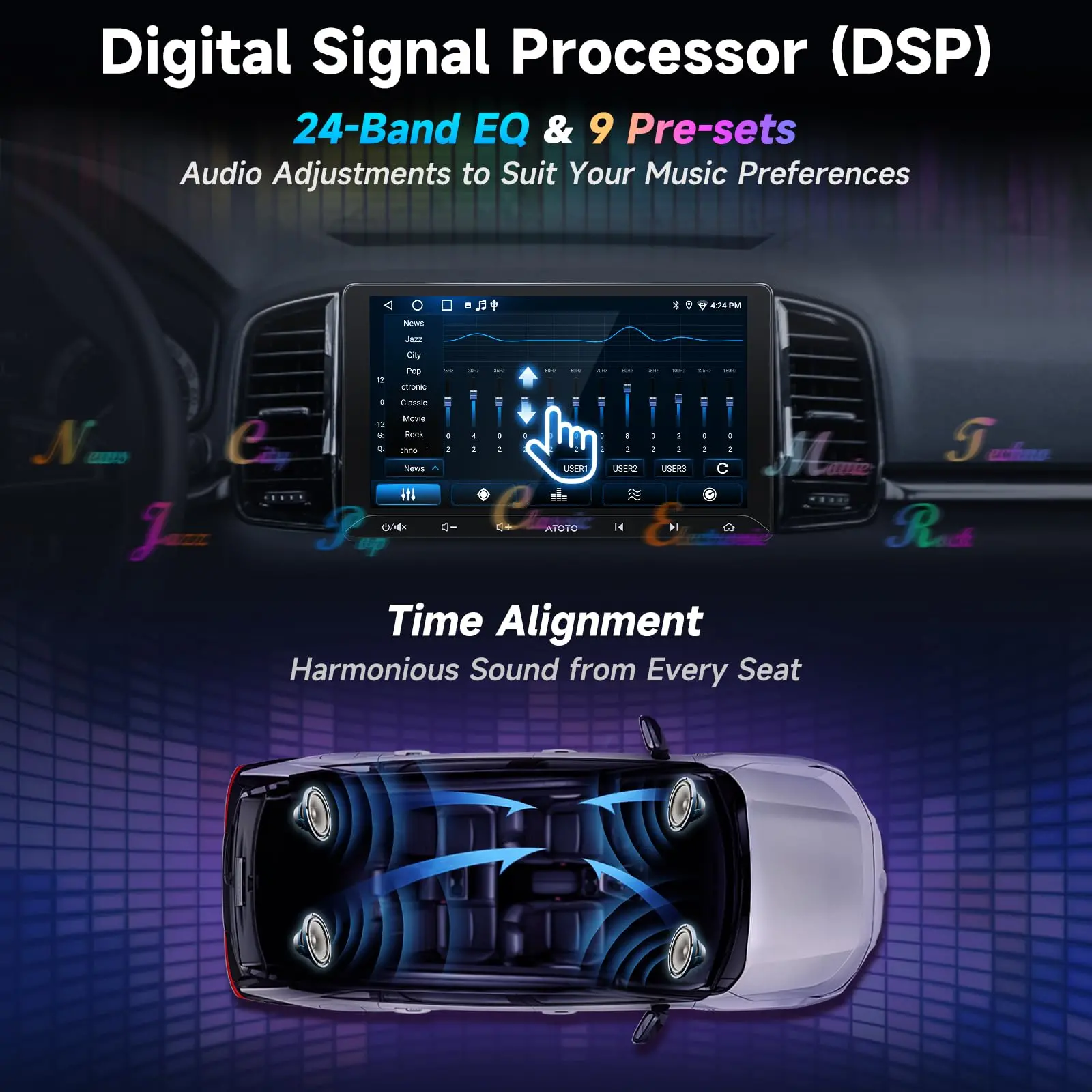
DSP with 24-band EQ —your soundfield, at a glance
Switch to Movie/Family for road trips: the 24‑band EQ, seat‑by‑seat time alignment, and HPF/LPF crossovers expand the soundfield to the back seats, improving imaging and clarity for every passenger; the built‑in 4×45 W peak / 4×24 W RMS amplifier easily powers stock or entry‑level speakers with clean, low‑distortion output, keeping listening comfortable for hours without an external amp.

Passenger Video, Entertainment Stays Optimized
Video routes to passenger and rear screens while audio stays on the head unit, preserving consistent tuning, volume control, and navigation prompts; perfect for weekend road trips, keeping back-seat passengers entertained with movies or games while the driver maintains focus in a quieter, distraction‑free front cabin.


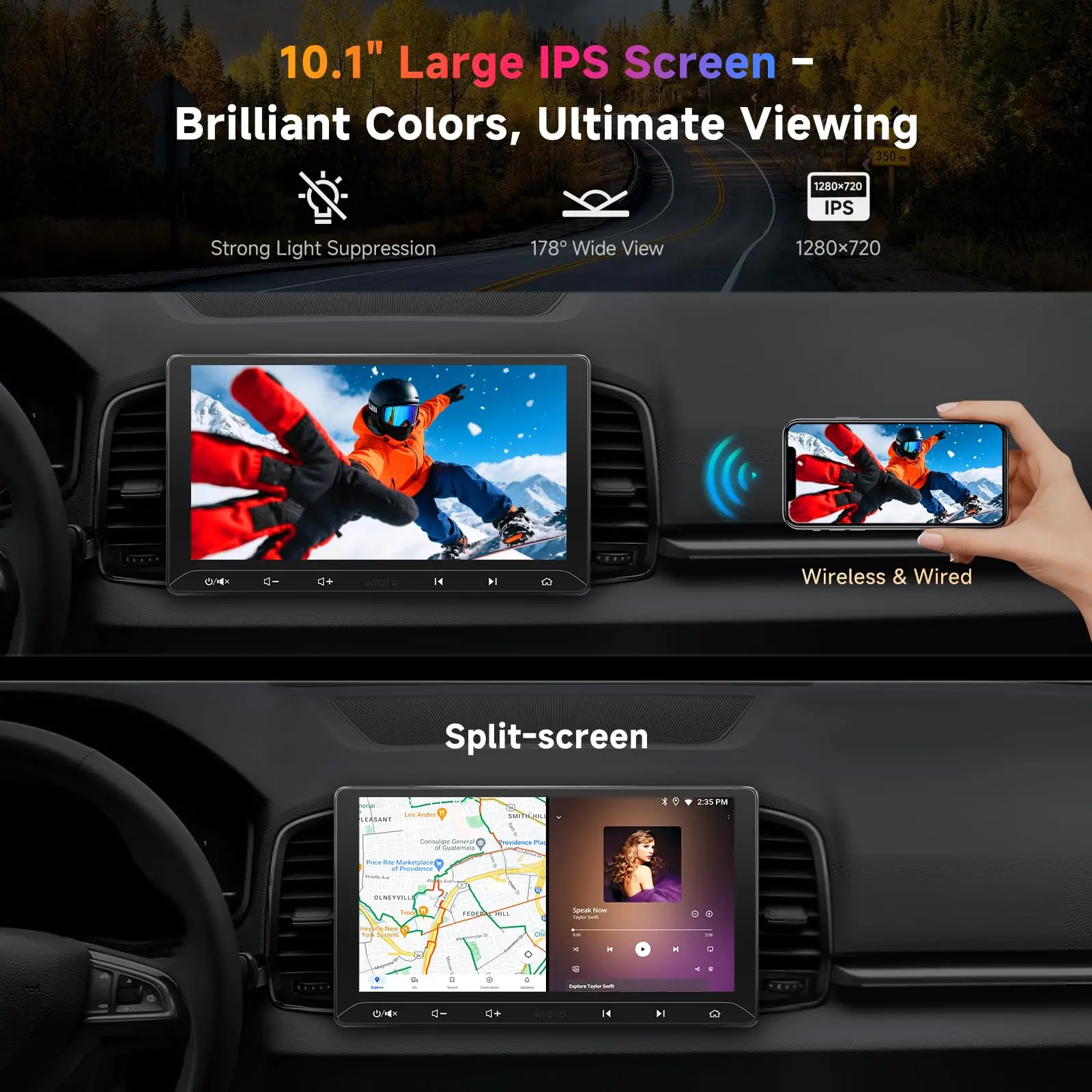
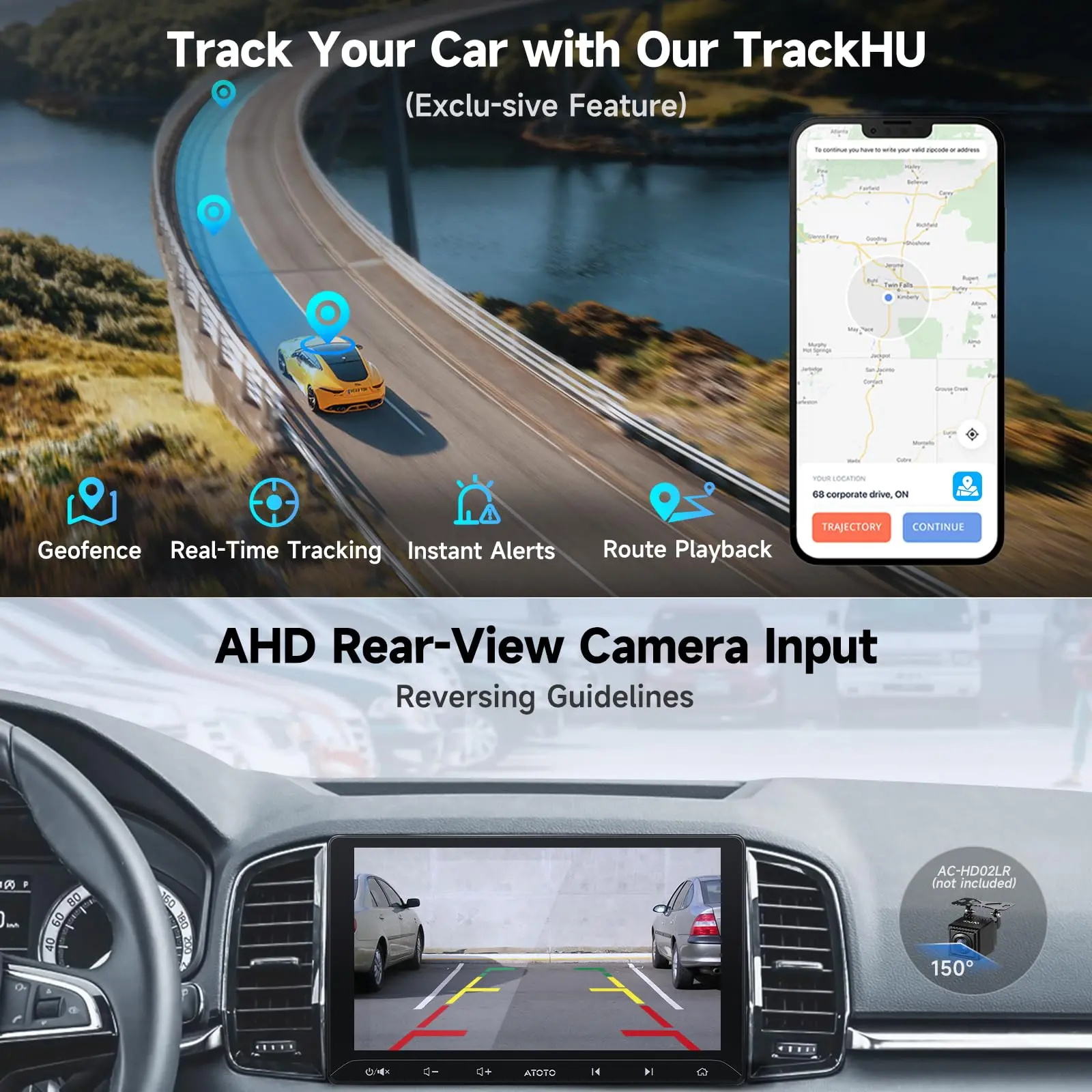
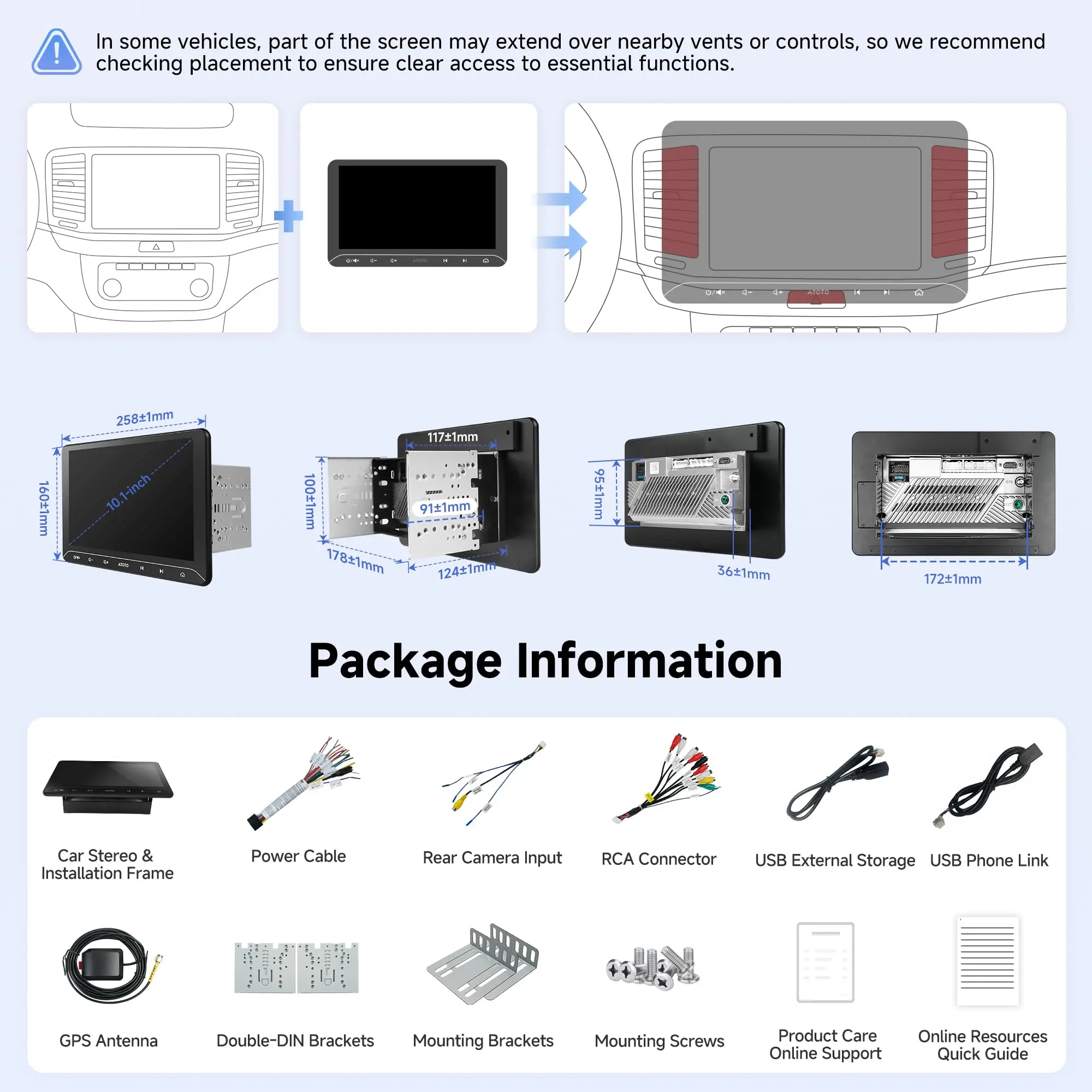
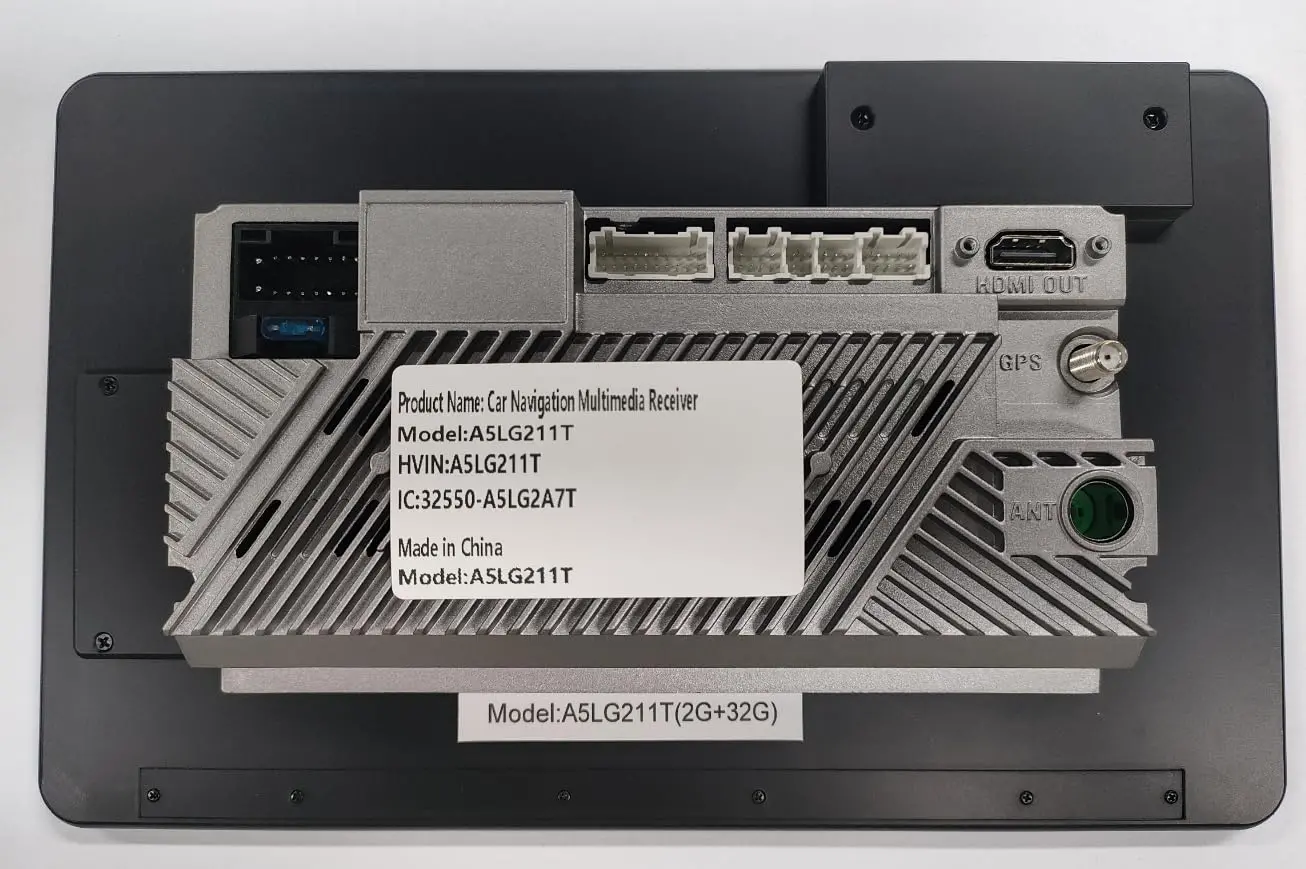
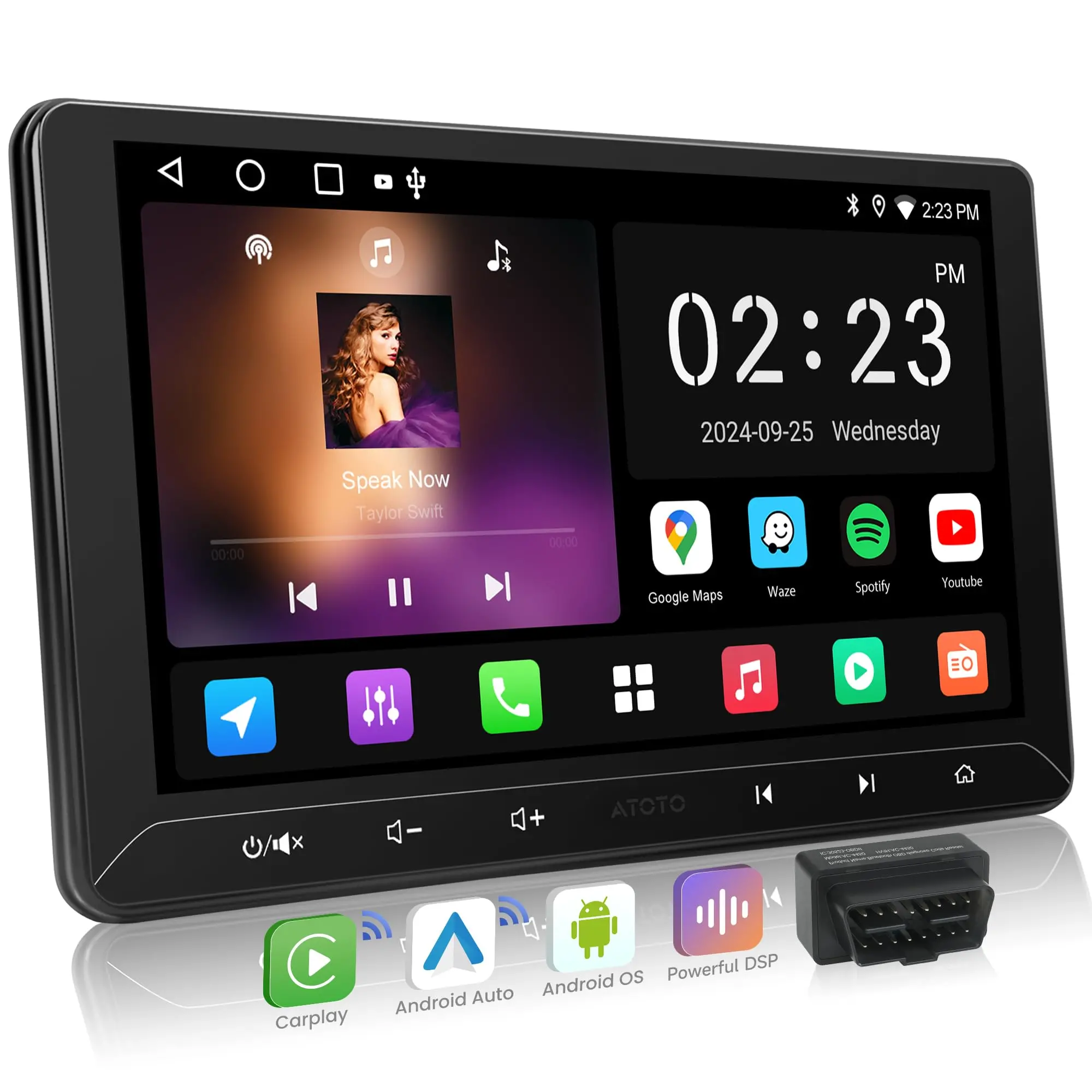
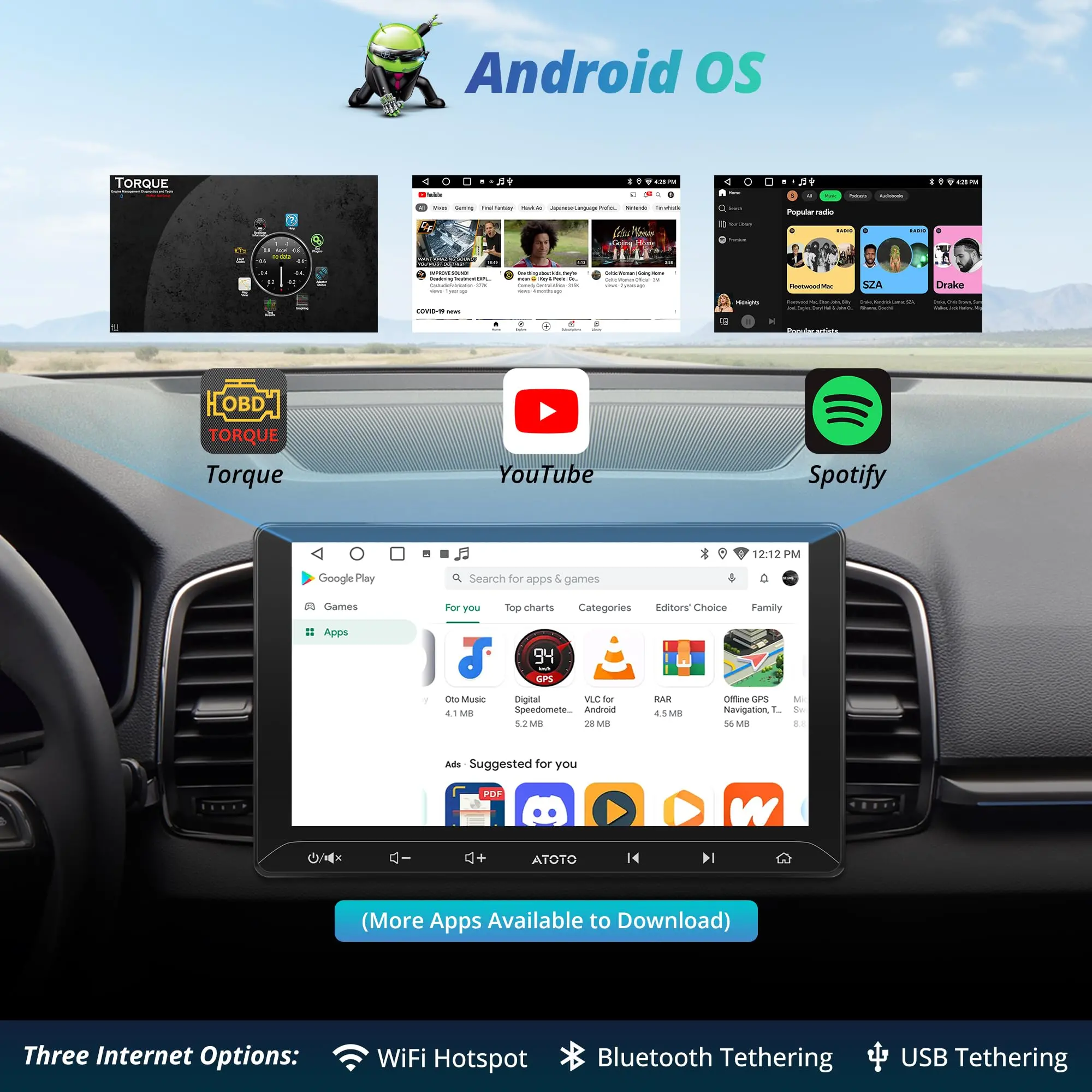
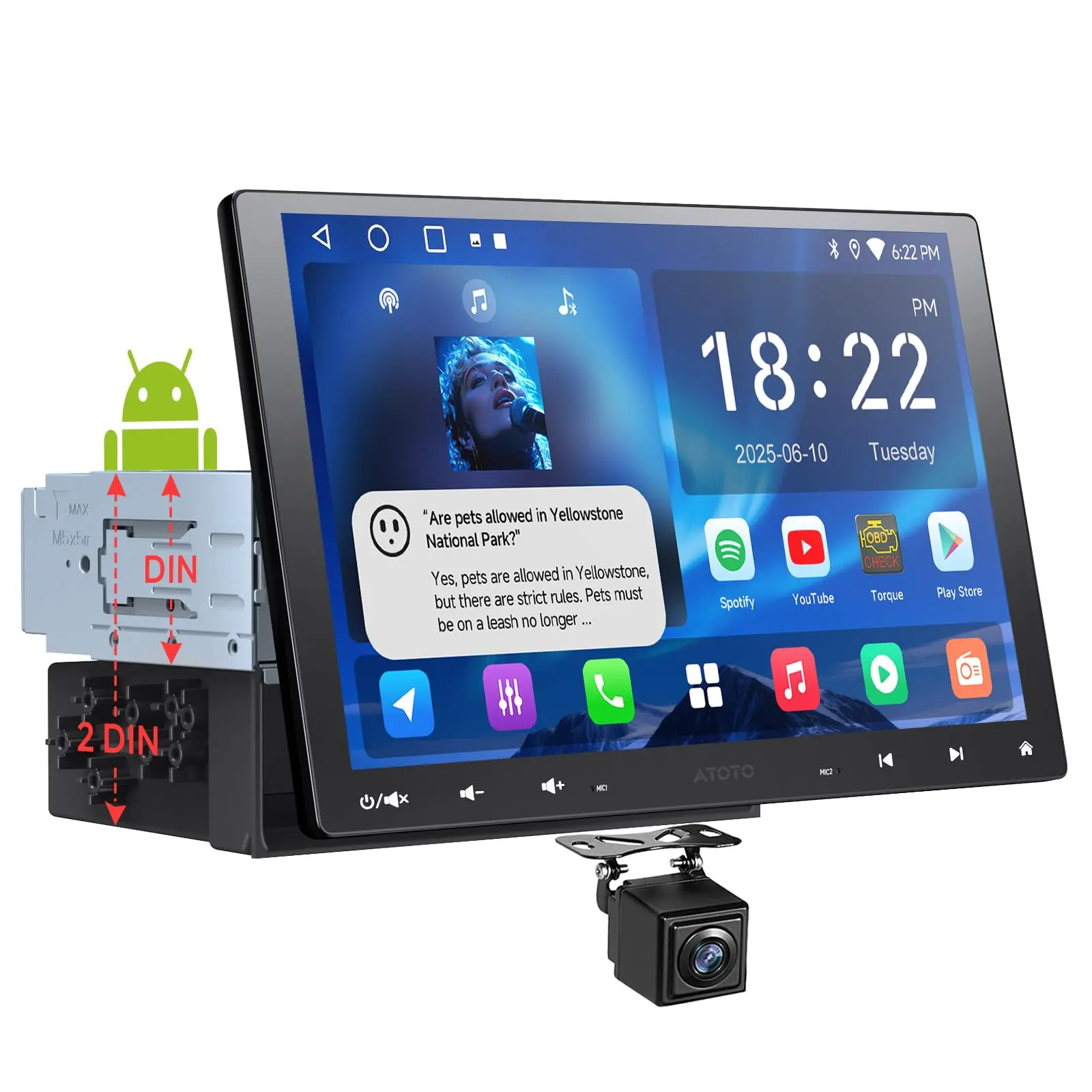
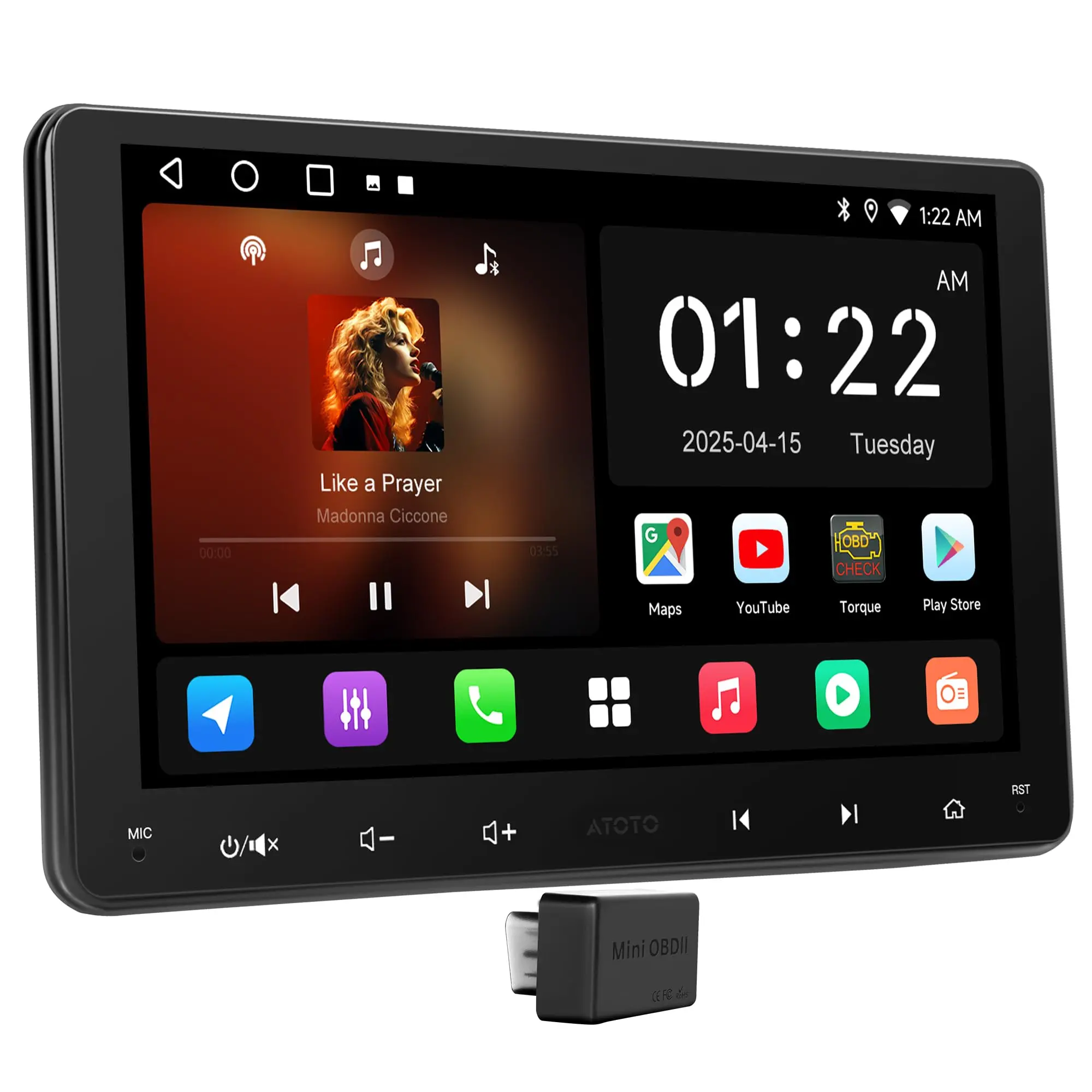
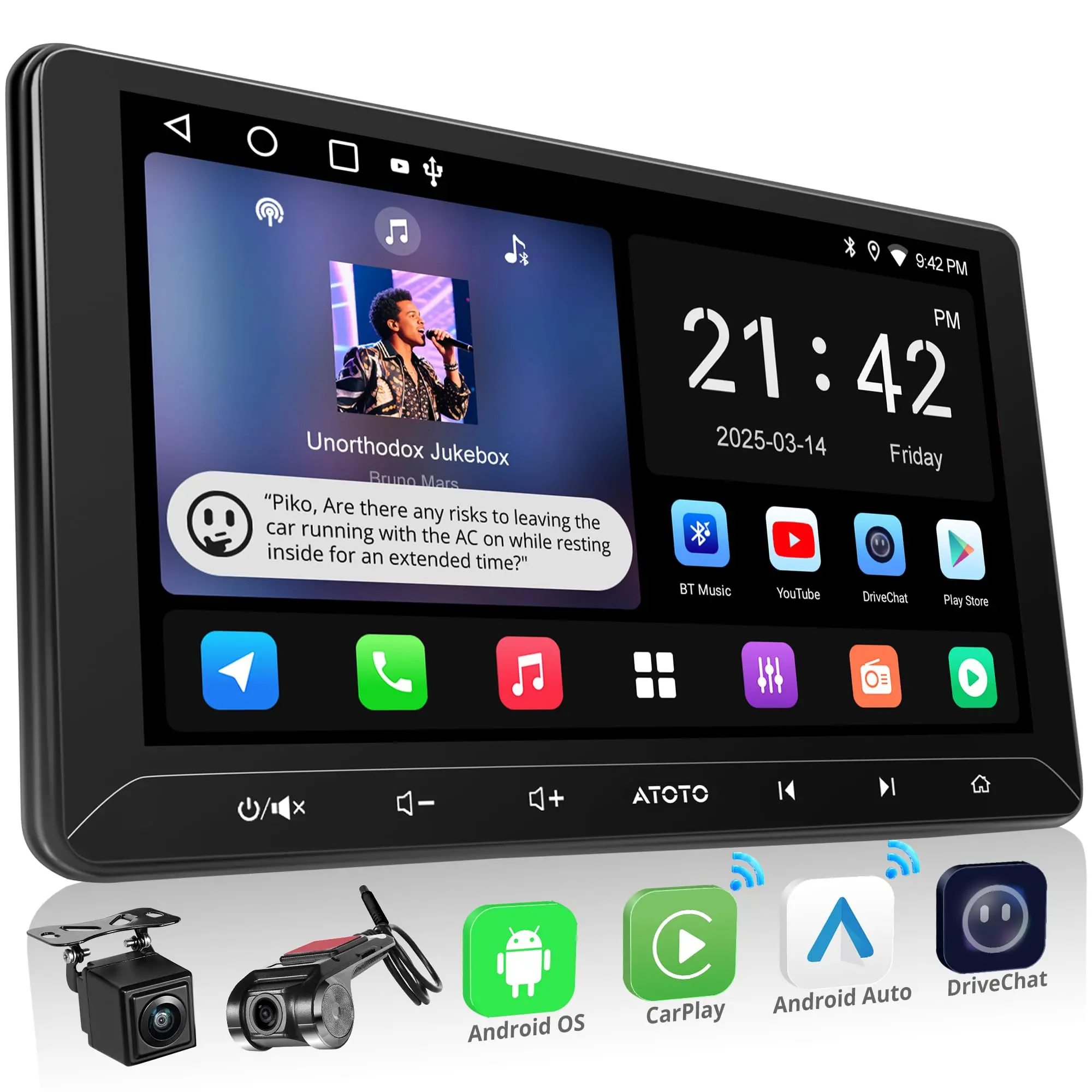
A5L combines the daily ease of wireless CarPlay & Android Auto with the freedom of a full Android head unit. Install popular navigation, audio, and online‑video apps on the unit itself (follow local laws; don’t watch video while driving). Passengers can enjoy a second screen via native HDMI Out (video‑only) while the head unit keeps control of EQ, crossovers, time alignment, and fader/balance. // With BGSleep, A5L units wake like a car product: ~<2 seconds from ignition to desktop; if you shift into reverse immediately, the backup feed is prioritized. An on‑board MCU manages ultra‑low‑power sleep (~<5 mA typical) and performs auto shut‑off after a fixed number of idle days, designed so cumulative draw stays within a practical battery budget. Nothing to set—just drive. // EdgeFit 10.1 overlays a double‑DIN opening for an OEM‑like look. Because the panel is larger than 9″, verify clearance around vents, knobs, and hazard switches (~0.71 in / 18 mm per side beyond the cutout). Most vehicles need a vehicle‑specific dash kit, wiring harness, and sometimes a CAN/data or SWC interface—these are third‑party installation parts. For cameras on CAN/PWM vehicles, power the camera from a fused, clean 12 V via a relay; use the reverse lamp as trigger only.
FAQs
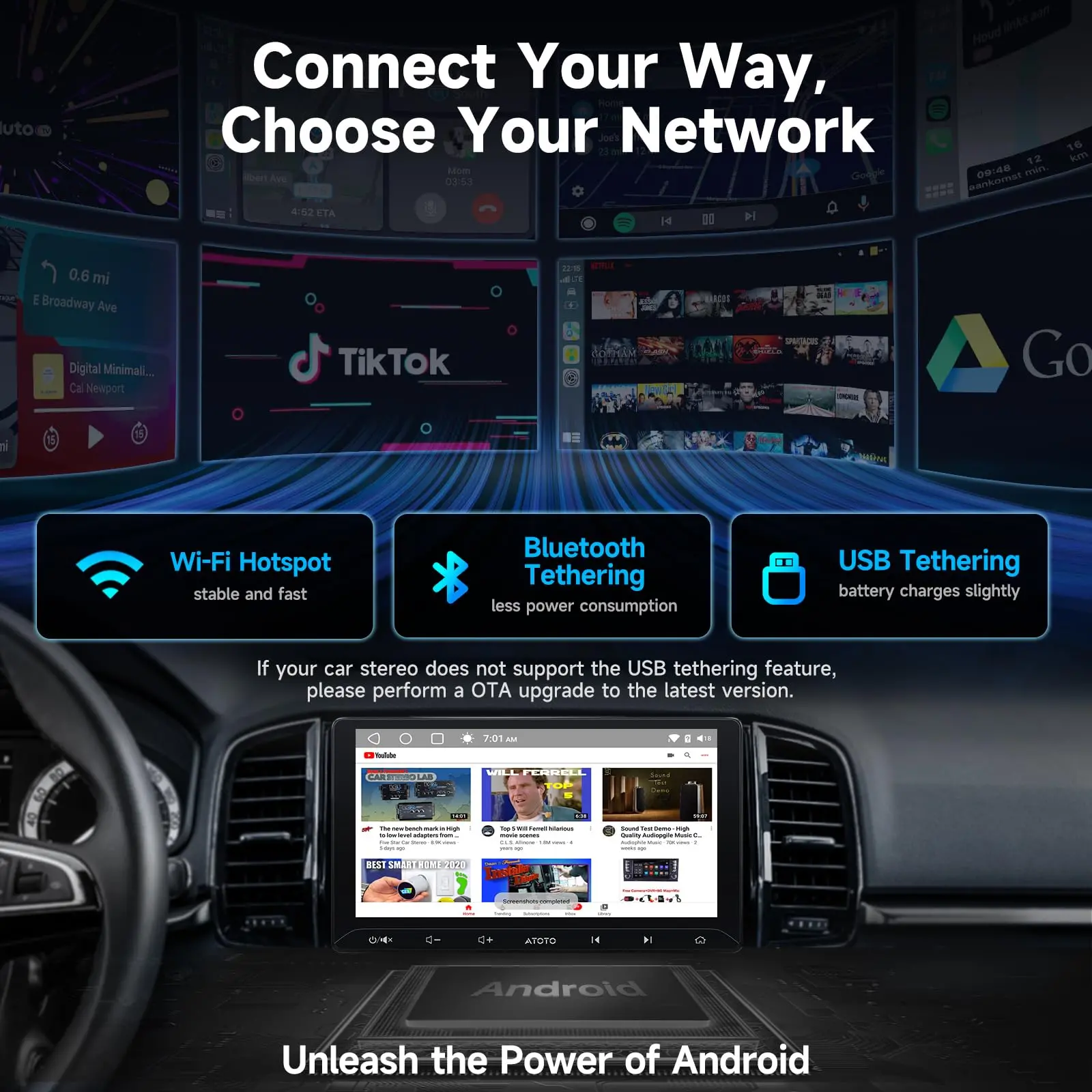
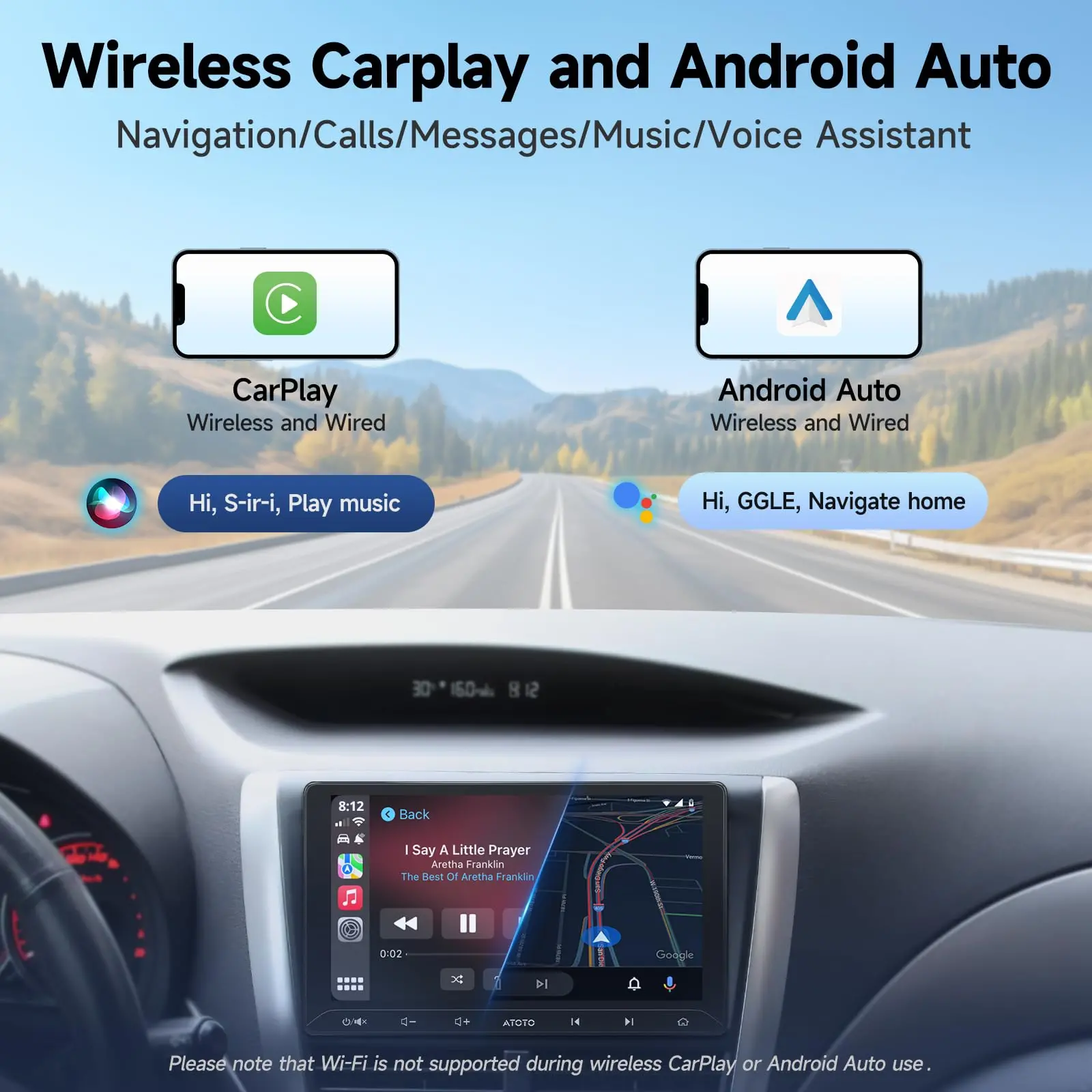
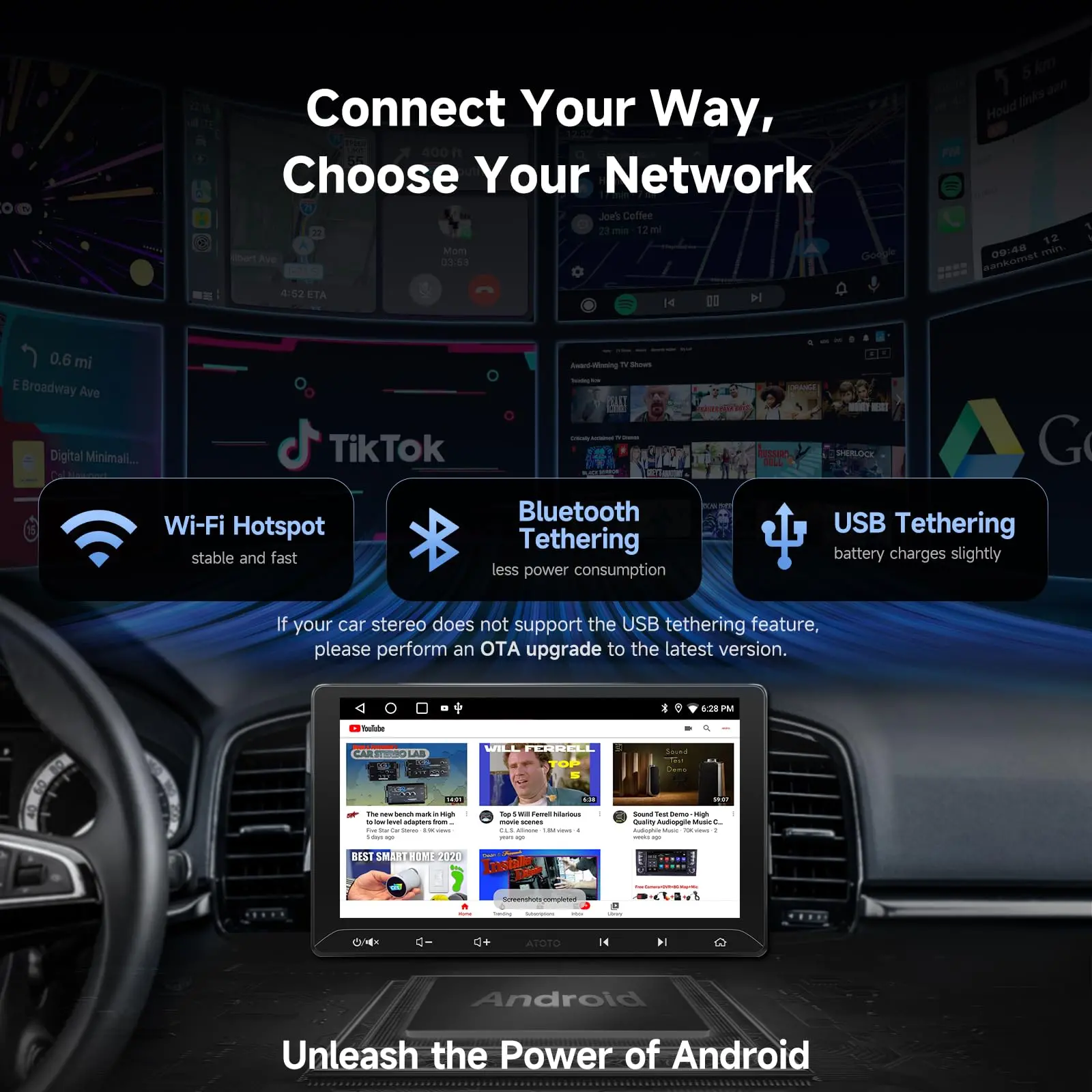
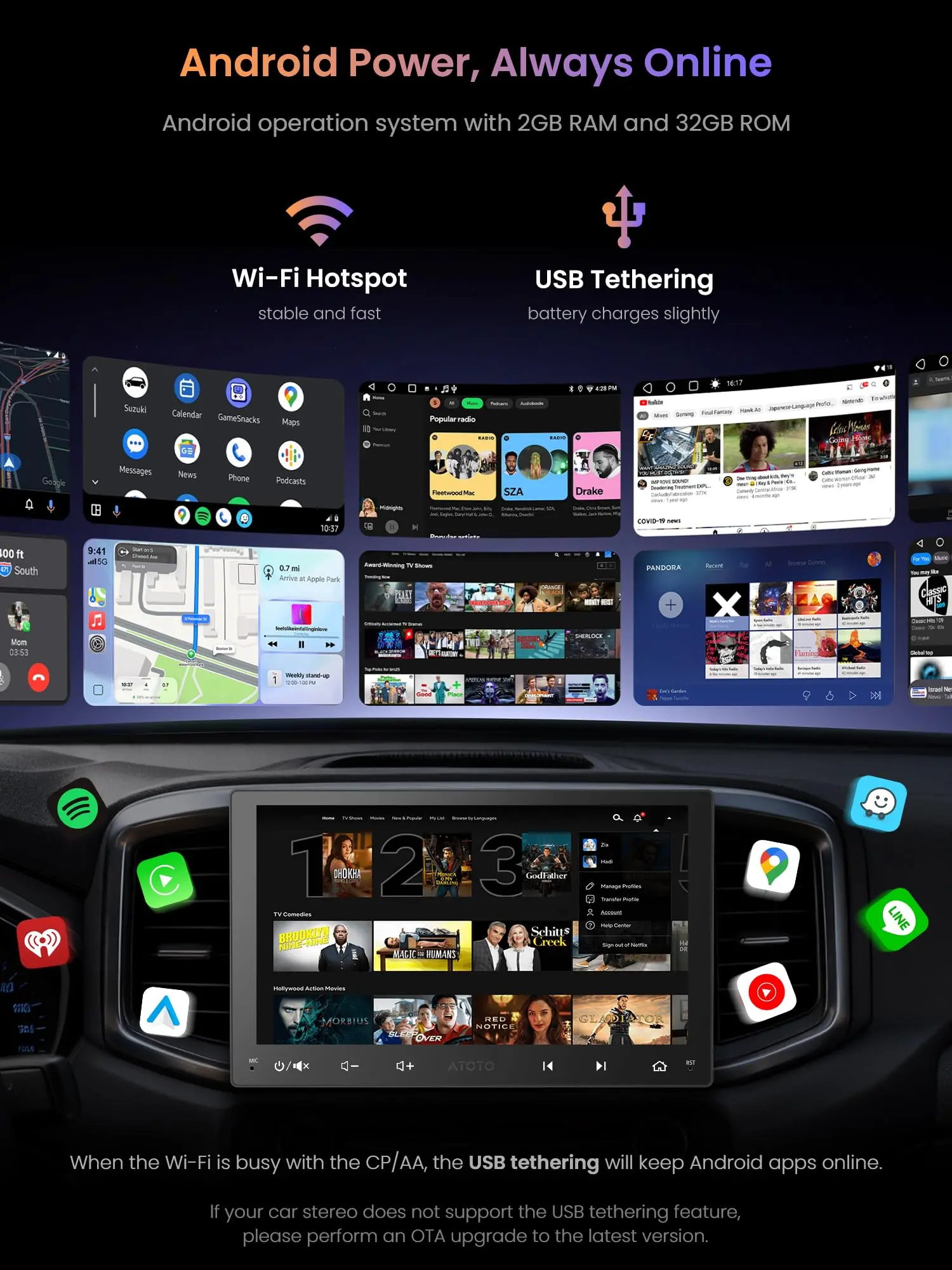
Q1: Can I keep Android apps online while using wireless CP/AA? // A1: Yes. Use USB tethering (recommended for stability and gentle phone charging) or Bluetooth tethering, because the Wi‑Fi radio is busy during wireless CP/AA. | Q2: Is HDMI Out audio‑video or video‑only? // A2: Video‑only. Audio stays on the head unit so EQ, crossovers, time alignment, and fader/balance continue to work.
Q3: Does A5LG211T support Live Rear View while moving? // A3: Yes. LRV lets you view the rear camera feed even while driving forward (drive attentively). | Q4: I have factory steering‑wheel buttons—will they work? // A4: A5L supports analog, resistive‑based SWC learning; some vehicles need a data/SWC interface (third‑party) to translate signals.
Q5: My wheel has no audio buttons—what are my options? // A5: AC‑44F5 (wearable wheel‑grip remote) and AC‑44F20 (slim control bar) add 8+ learnable keys with flexible mounting. | Q6: What’s the best way to power the reverse camera on CAN/PWM cars? // A6: Use a relay and a clean, fused 12 V supply for camera power; use the reverse lamp as a trigger only.
Q7: Any privacy tools for accounts I sign into? // A7: Bluetooth Screen Lock + Unlock with phone Bluetooth can auto‑lock as you walk away and auto‑unlock on reconnection. | Q8: Are updates ongoing? // A8: OTA keeps firmware current; apps like DriveChat, CIoTHub, TrackHU, and Cloud Album update over time.
A5L family differences & buying guide
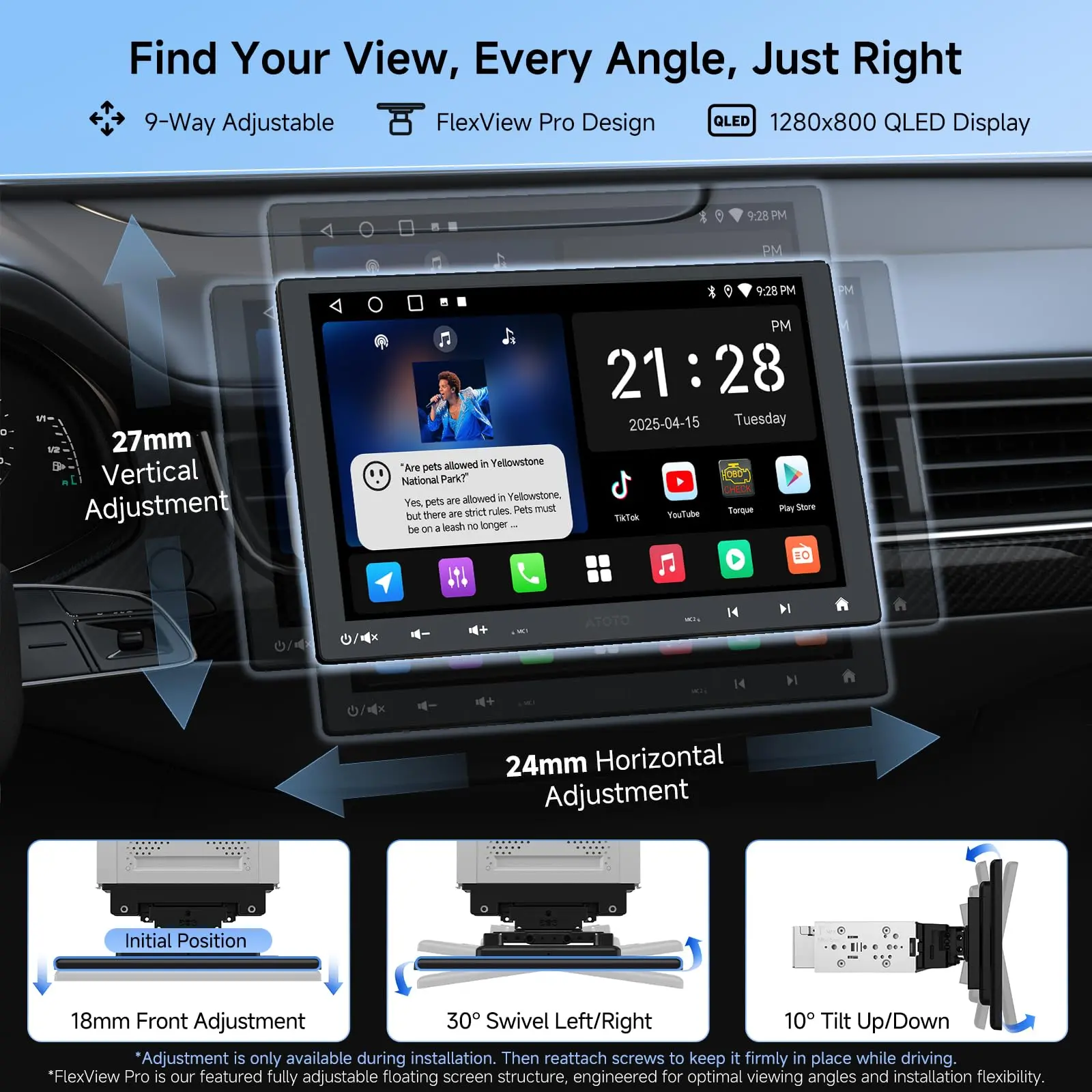
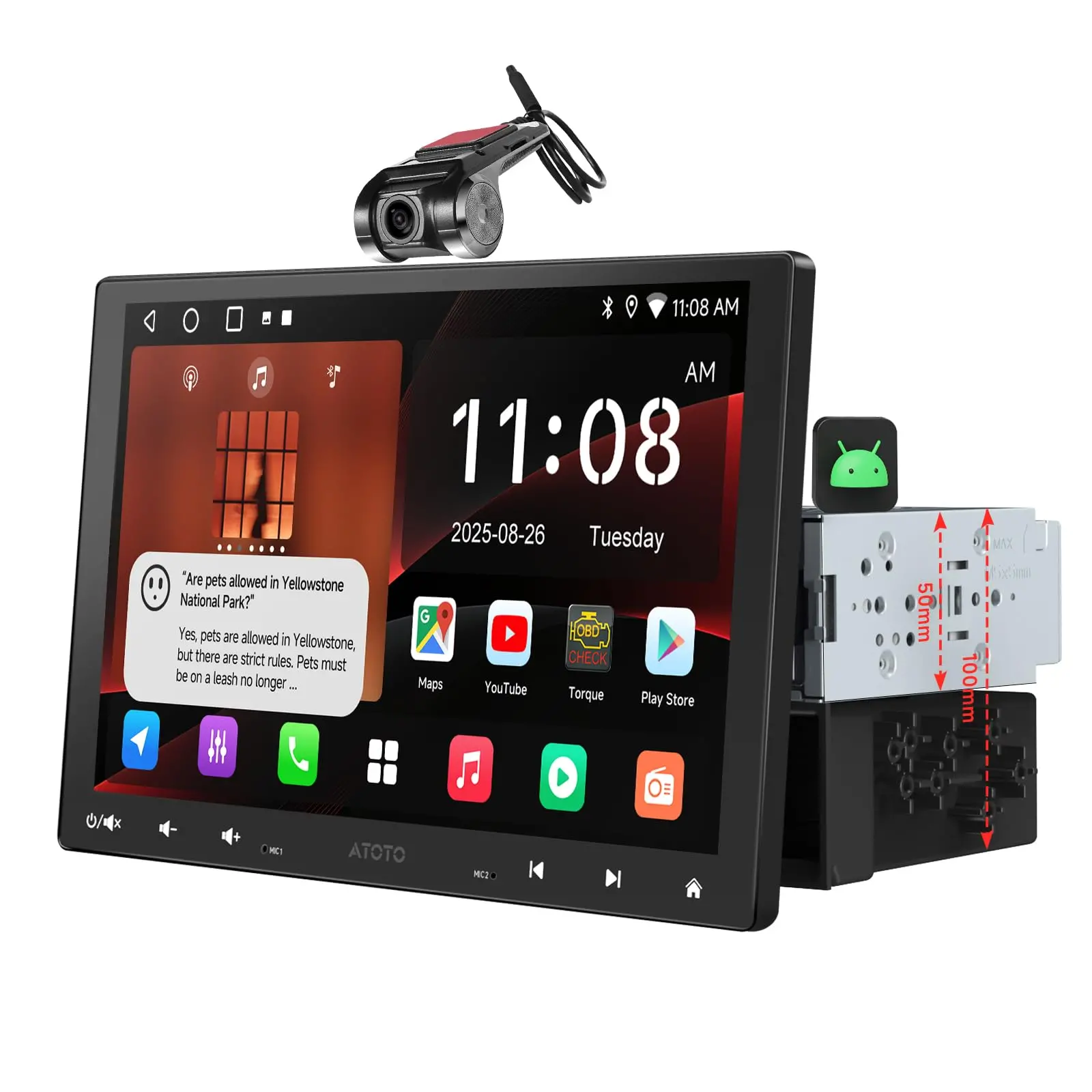
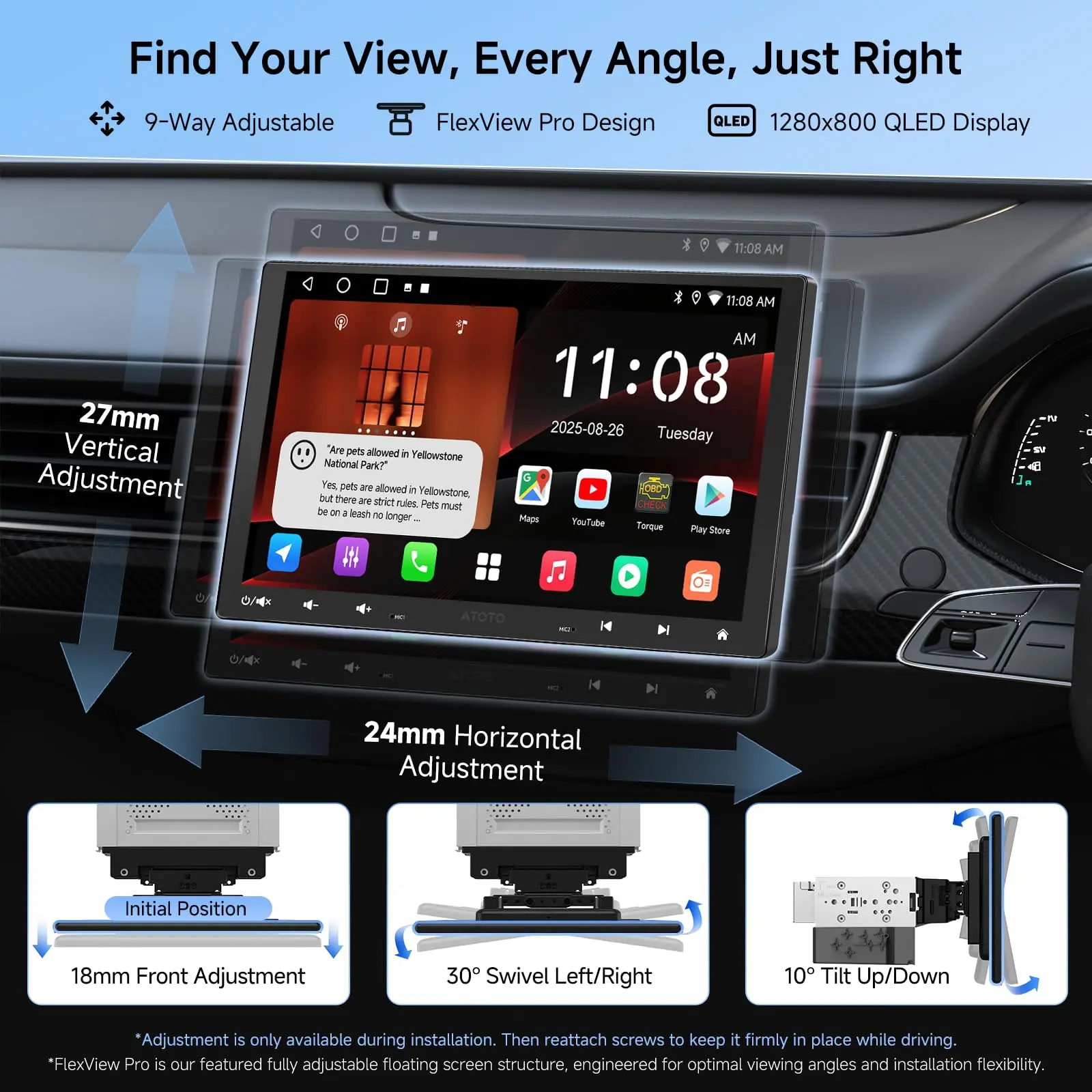
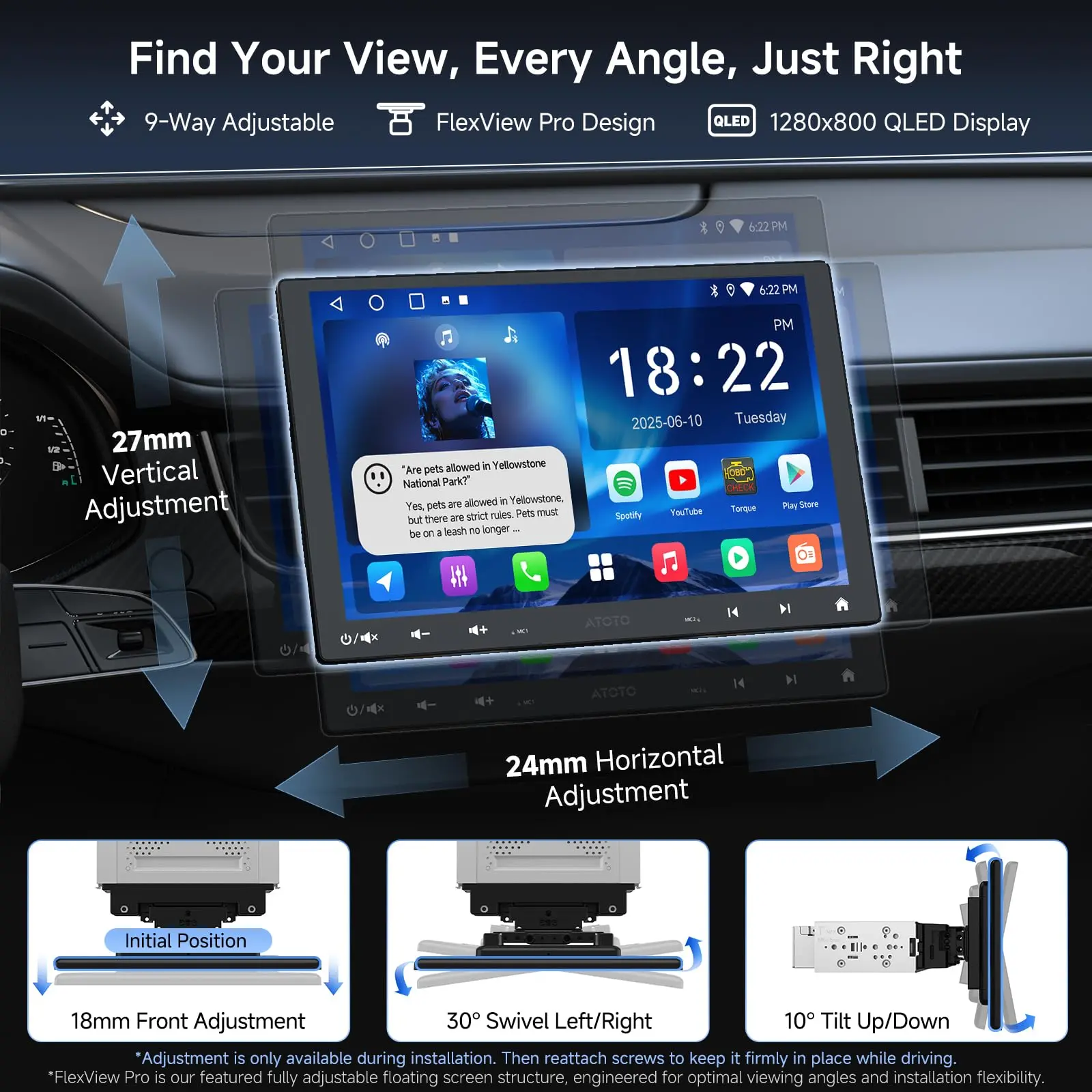
●A5LG211T · EdgeFit 10.1 (this model): Largest flush overlay, OEM‑style look, 1.42 in (36±1 mm) short chassis. Because it’s larger than 9″, check vent/knob/hazard clearance; obstruction risk is moderate. Choose this if your dash has room and you want the most screen in a factory‑clean style. //●A5LG209T · EdgeFit 9: Same flush overlay idea at 9″ with lower obstruction risk among big screens; still plenty of screen area. Choose this for an OEM‑like look with more forgiving fit. //●A5LG110T · FlexView Pro 10.1: Floating panel with 9‑way install adjustment (depth/height/lateral/±30° swivel/±10° tilt) for the lowest obstruction risk among A5L big screens; built on a long single‑DIN backbone with a selectable pocket or powerpack in the second DIN bay (decide at install). //●A5LG110PT · FlexView Pro 10.1 + Hardware Keys: FlexView benefits plus a back‑lit key row and center knob for tactile control; the included hardware keys typically make the AC‑44F20 control bar unnecessary.
Simple guidance: Want flush OEM look and have the clearance? Pick A5LG211T. Want a flush look with lower obstruction risk? Pick A5LG209T. Want the lowest obstruction risk and precise placement? Pick A5LG110T (or A5LG110PT if you prefer built‑in hardware keys).
More Images


ATOTO A5LG211T 10.1" Android Double Din Car Stereo, Touchscreen, Wireless CarPlay & Android Auto, Wi-Fi/BT/USB Tethering, 24-Band EQ DSP, Bluetooth, MirrorLink, FM/AM/TF, 2G+32G


DSP with 24-band EQ —your soundfield, at a glance
Switch to Movie/Family for road trips: the 24‑band EQ, seat‑by‑seat time alignment, and HPF/LPF crossovers expand the soundfield to the back seats, improving imaging and clarity for every passenger; the built‑in 4×45 W peak / 4×24 W RMS amplifier easily powers stock or entry‑level speakers with clean, low‑distortion output, keeping listening comfortable for hours without an external amp.

Passenger Video, Entertainment Stays Optimized
Video routes to passenger and rear screens while audio stays on the head unit, preserving consistent tuning, volume control, and navigation prompts; perfect for weekend road trips, keeping back-seat passengers entertained with movies or games while the driver maintains focus in a quieter, distraction‑free front cabin.
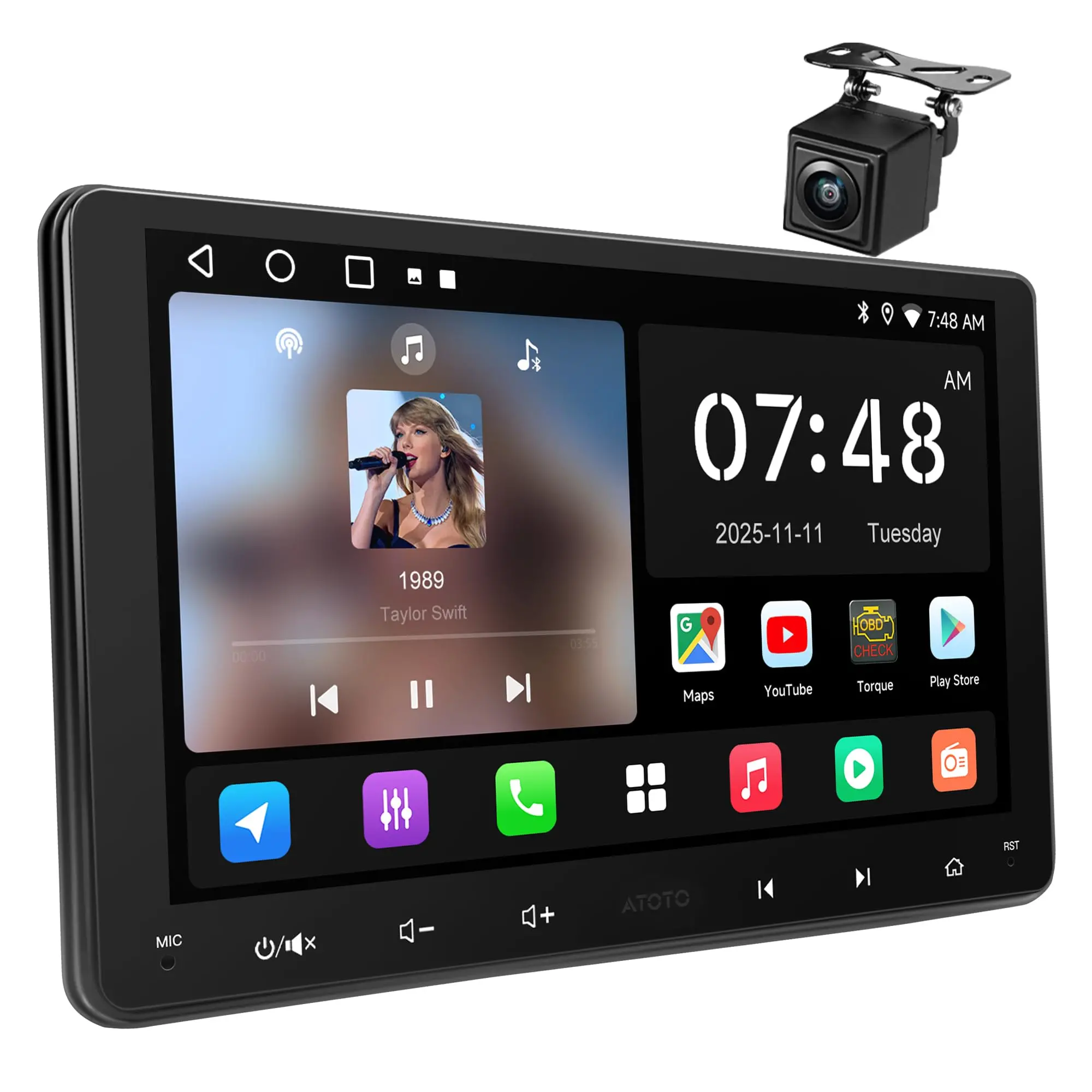


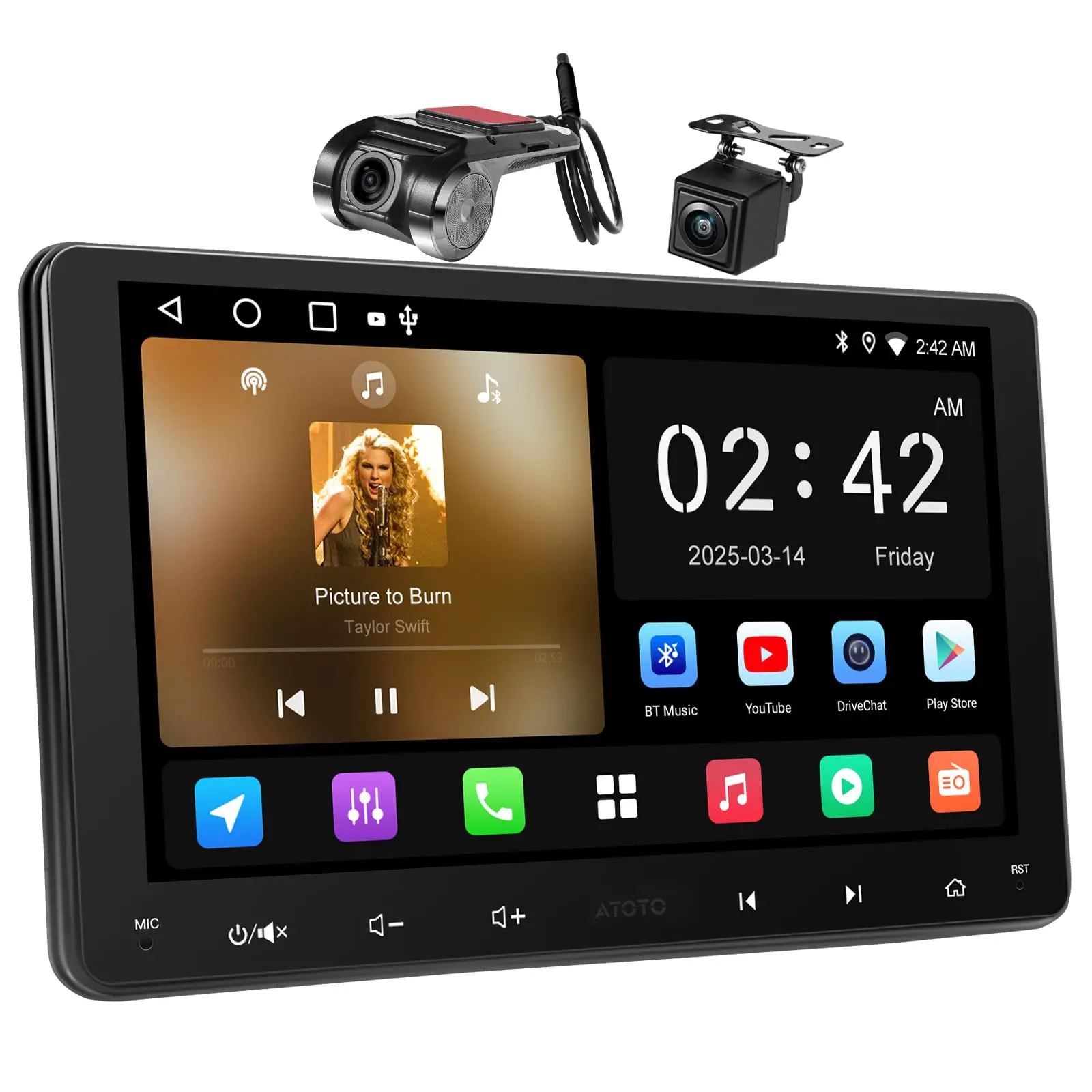
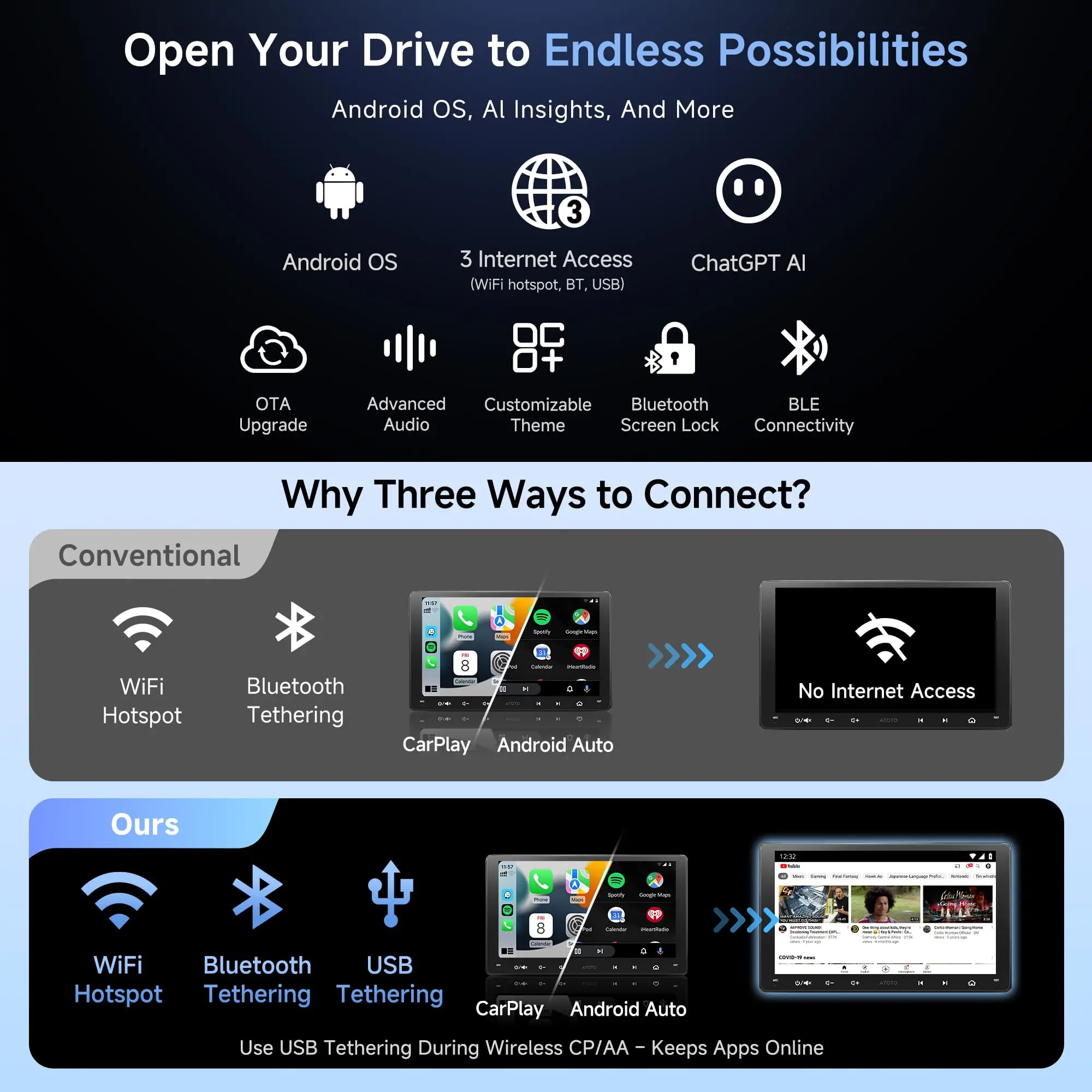
A5L combines the daily ease of wireless CarPlay & Android Auto with the freedom of a full Android head unit. Install popular navigation, audio, and online‑video apps on the unit itself (follow local laws; don’t watch video while driving). Passengers can enjoy a second screen via native HDMI Out (video‑only) while the head unit keeps control of EQ, crossovers, time alignment, and fader/balance. // With BGSleep, A5L units wake like a car product: ~<2 seconds from ignition to desktop; if you shift into reverse immediately, the backup feed is prioritized. An on‑board MCU manages ultra‑low‑power sleep (~<5 mA typical) and performs auto shut‑off after a fixed number of idle days, designed so cumulative draw stays within a practical battery budget. Nothing to set—just drive. // EdgeFit 10.1 overlays a double‑DIN opening for an OEM‑like look. Because the panel is larger than 9″, verify clearance around vents, knobs, and hazard switches (~0.71 in / 18 mm per side beyond the cutout). Most vehicles need a vehicle‑specific dash kit, wiring harness, and sometimes a CAN/data or SWC interface—these are third‑party installation parts. For cameras on CAN/PWM vehicles, power the camera from a fused, clean 12 V via a relay; use the reverse lamp as trigger only.
FAQs
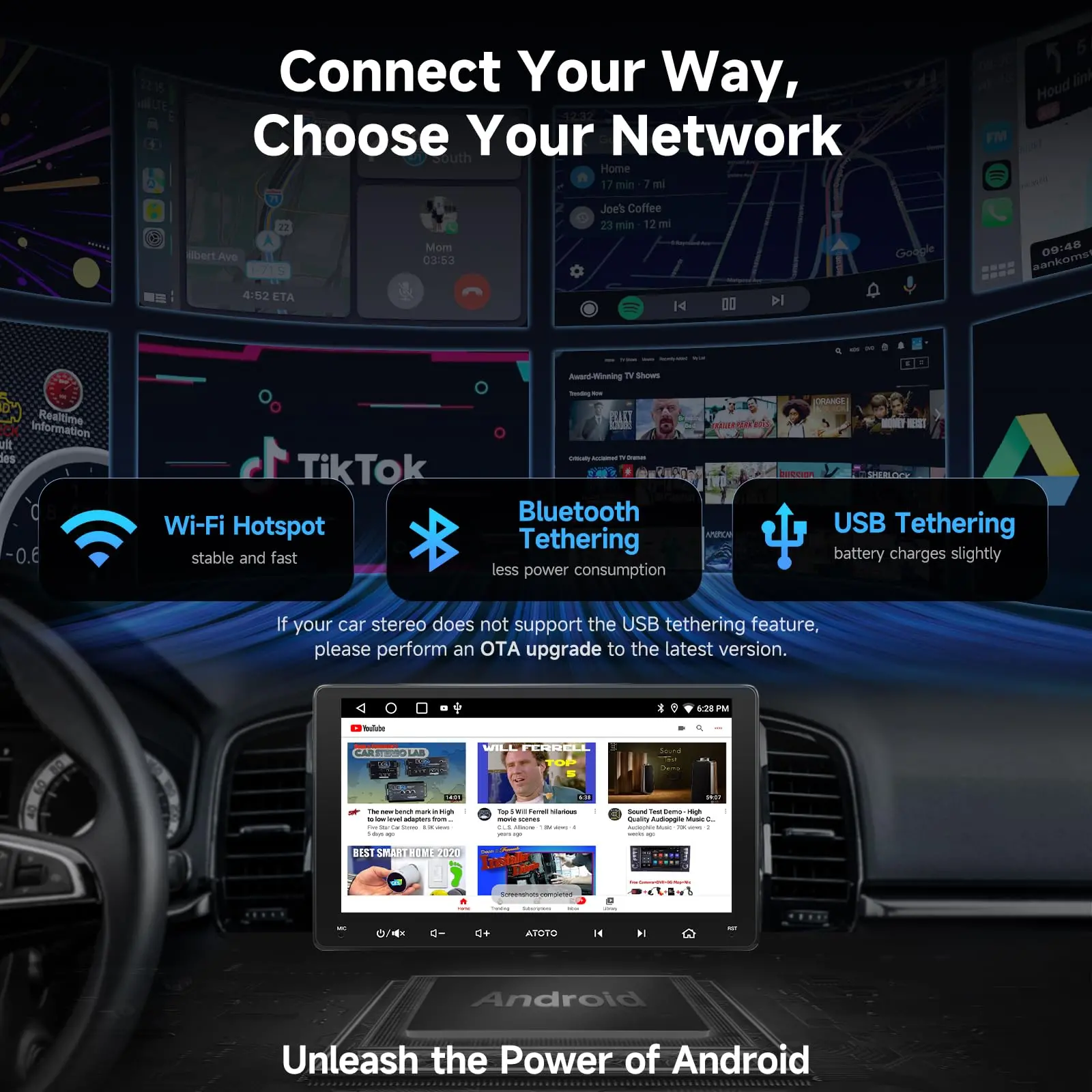
Q1: Can I keep Android apps online while using wireless CP/AA? // A1: Yes. Use USB tethering (recommended for stability and gentle phone charging) or Bluetooth tethering, because the Wi‑Fi radio is busy during wireless CP/AA. | Q2: Is HDMI Out audio‑video or video‑only? // A2: Video‑only. Audio stays on the head unit so EQ, crossovers, time alignment, and fader/balance continue to work.
Q3: Does A5LG211T support Live Rear View while moving? // A3: Yes. LRV lets you view the rear camera feed even while driving forward (drive attentively). | Q4: I have factory steering‑wheel buttons—will they work? // A4: A5L supports analog, resistive‑based SWC learning; some vehicles need a data/SWC interface (third‑party) to translate signals.
Q5: My wheel has no audio buttons—what are my options? // A5: AC‑44F5 (wearable wheel‑grip remote) and AC‑44F20 (slim control bar) add 8+ learnable keys with flexible mounting. | Q6: What’s the best way to power the reverse camera on CAN/PWM cars? // A6: Use a relay and a clean, fused 12 V supply for camera power; use the reverse lamp as a trigger only.
Q7: Any privacy tools for accounts I sign into? // A7: Bluetooth Screen Lock + Unlock with phone Bluetooth can auto‑lock as you walk away and auto‑unlock on reconnection. | Q8: Are updates ongoing? // A8: OTA keeps firmware current; apps like DriveChat, CIoTHub, TrackHU, and Cloud Album update over time.
A5L family differences & buying guide
●A5LG211T · EdgeFit 10.1 (this model): Largest flush overlay, OEM‑style look, 1.42 in (36±1 mm) short chassis. Because it’s larger than 9″, check vent/knob/hazard clearance; obstruction risk is moderate. Choose this if your dash has room and you want the most screen in a factory‑clean style. //●A5LG209T · EdgeFit 9: Same flush overlay idea at 9″ with lower obstruction risk among big screens; still plenty of screen area. Choose this for an OEM‑like look with more forgiving fit. //●A5LG110T · FlexView Pro 10.1: Floating panel with 9‑way install adjustment (depth/height/lateral/±30° swivel/±10° tilt) for the lowest obstruction risk among A5L big screens; built on a long single‑DIN backbone with a selectable pocket or powerpack in the second DIN bay (decide at install). //●A5LG110PT · FlexView Pro 10.1 + Hardware Keys: FlexView benefits plus a back‑lit key row and center knob for tactile control; the included hardware keys typically make the AC‑44F20 control bar unnecessary.
Simple guidance: Want flush OEM look and have the clearance? Pick A5LG211T. Want a flush look with lower obstruction risk? Pick A5LG209T. Want the lowest obstruction risk and precise placement? Pick A5LG110T (or A5LG110PT if you prefer built‑in hardware keys).
Product Information
Product Information
Shipping & Returns
Shipping & Returns
Description


DSP with 24-band EQ —your soundfield, at a glance
Switch to Movie/Family for road trips: the 24‑band EQ, seat‑by‑seat time alignment, and HPF/LPF crossovers expand the soundfield to the back seats, improving imaging and clarity for every passenger; the built‑in 4×45 W peak / 4×24 W RMS amplifier easily powers stock or entry‑level speakers with clean, low‑distortion output, keeping listening comfortable for hours without an external amp.

Passenger Video, Entertainment Stays Optimized
Video routes to passenger and rear screens while audio stays on the head unit, preserving consistent tuning, volume control, and navigation prompts; perfect for weekend road trips, keeping back-seat passengers entertained with movies or games while the driver maintains focus in a quieter, distraction‑free front cabin.
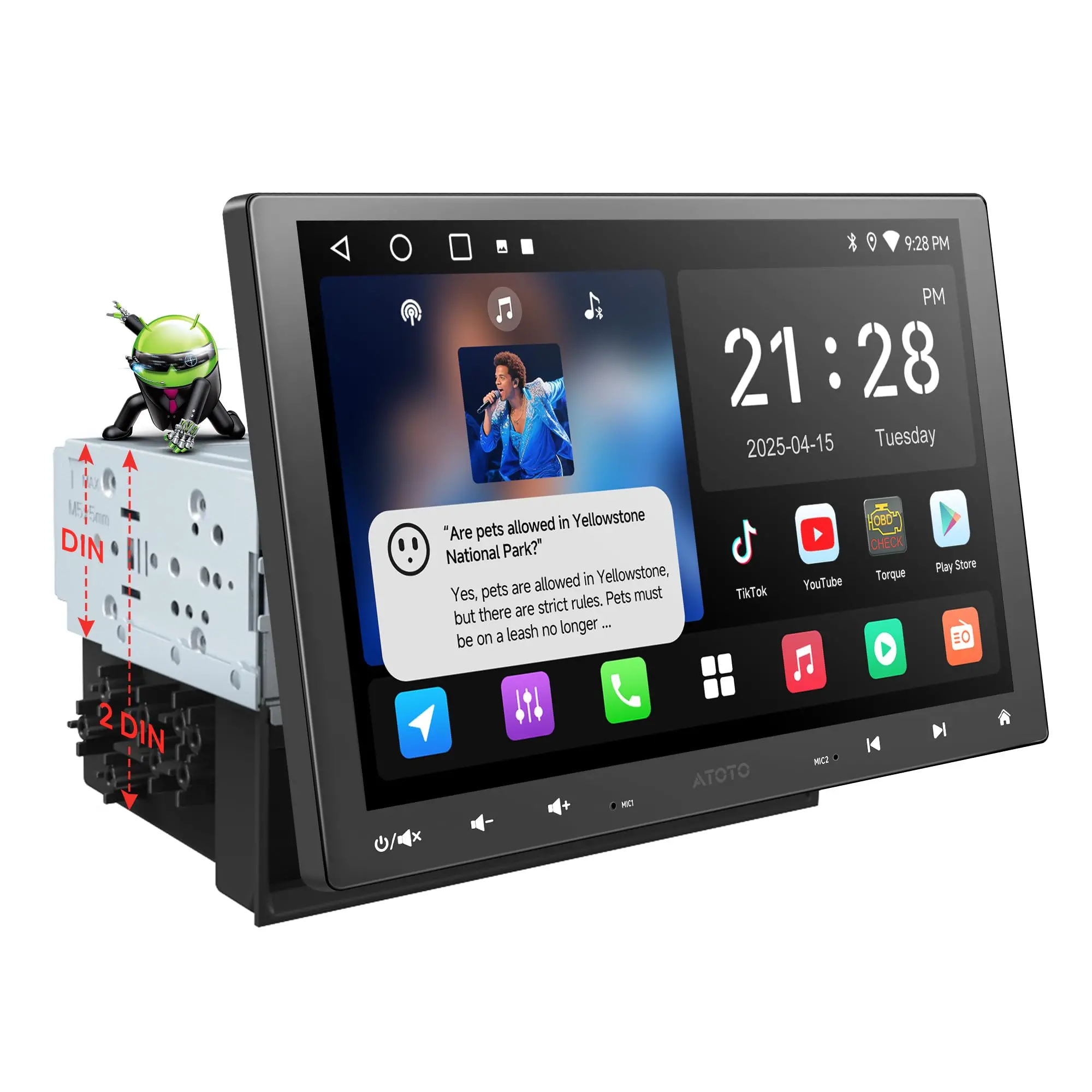


A5L combines the daily ease of wireless CarPlay & Android Auto with the freedom of a full Android head unit. Install popular navigation, audio, and online‑video apps on the unit itself (follow local laws; don’t watch video while driving). Passengers can enjoy a second screen via native HDMI Out (video‑only) while the head unit keeps control of EQ, crossovers, time alignment, and fader/balance. // With BGSleep, A5L units wake like a car product: ~<2 seconds from ignition to desktop; if you shift into reverse immediately, the backup feed is prioritized. An on‑board MCU manages ultra‑low‑power sleep (~<5 mA typical) and performs auto shut‑off after a fixed number of idle days, designed so cumulative draw stays within a practical battery budget. Nothing to set—just drive. // EdgeFit 10.1 overlays a double‑DIN opening for an OEM‑like look. Because the panel is larger than 9″, verify clearance around vents, knobs, and hazard switches (~0.71 in / 18 mm per side beyond the cutout). Most vehicles need a vehicle‑specific dash kit, wiring harness, and sometimes a CAN/data or SWC interface—these are third‑party installation parts. For cameras on CAN/PWM vehicles, power the camera from a fused, clean 12 V via a relay; use the reverse lamp as trigger only.
FAQs
Q1: Can I keep Android apps online while using wireless CP/AA? // A1: Yes. Use USB tethering (recommended for stability and gentle phone charging) or Bluetooth tethering, because the Wi‑Fi radio is busy during wireless CP/AA. | Q2: Is HDMI Out audio‑video or video‑only? // A2: Video‑only. Audio stays on the head unit so EQ, crossovers, time alignment, and fader/balance continue to work.
Q3: Does A5LG211T support Live Rear View while moving? // A3: Yes. LRV lets you view the rear camera feed even while driving forward (drive attentively). | Q4: I have factory steering‑wheel buttons—will they work? // A4: A5L supports analog, resistive‑based SWC learning; some vehicles need a data/SWC interface (third‑party) to translate signals.
Q5: My wheel has no audio buttons—what are my options? // A5: AC‑44F5 (wearable wheel‑grip remote) and AC‑44F20 (slim control bar) add 8+ learnable keys with flexible mounting. | Q6: What’s the best way to power the reverse camera on CAN/PWM cars? // A6: Use a relay and a clean, fused 12 V supply for camera power; use the reverse lamp as a trigger only.
Q7: Any privacy tools for accounts I sign into? // A7: Bluetooth Screen Lock + Unlock with phone Bluetooth can auto‑lock as you walk away and auto‑unlock on reconnection. | Q8: Are updates ongoing? // A8: OTA keeps firmware current; apps like DriveChat, CIoTHub, TrackHU, and Cloud Album update over time.
A5L family differences & buying guide
●A5LG211T · EdgeFit 10.1 (this model): Largest flush overlay, OEM‑style look, 1.42 in (36±1 mm) short chassis. Because it’s larger than 9″, check vent/knob/hazard clearance; obstruction risk is moderate. Choose this if your dash has room and you want the most screen in a factory‑clean style. //●A5LG209T · EdgeFit 9: Same flush overlay idea at 9″ with lower obstruction risk among big screens; still plenty of screen area. Choose this for an OEM‑like look with more forgiving fit. //●A5LG110T · FlexView Pro 10.1: Floating panel with 9‑way install adjustment (depth/height/lateral/±30° swivel/±10° tilt) for the lowest obstruction risk among A5L big screens; built on a long single‑DIN backbone with a selectable pocket or powerpack in the second DIN bay (decide at install). //●A5LG110PT · FlexView Pro 10.1 + Hardware Keys: FlexView benefits plus a back‑lit key row and center knob for tactile control; the included hardware keys typically make the AC‑44F20 control bar unnecessary.
Simple guidance: Want flush OEM look and have the clearance? Pick A5LG211T. Want a flush look with lower obstruction risk? Pick A5LG209T. Want the lowest obstruction risk and precise placement? Pick A5LG110T (or A5LG110PT if you prefer built‑in hardware keys).